
Turn words into concepts
Describe symbols, moods, initials, composition, or meaning in everyday language.
AI tattoo generator & try-on
Describe the tattoo you imagine, explore AI-generated concepts, and preview your chosen design on your skin with InkTry.
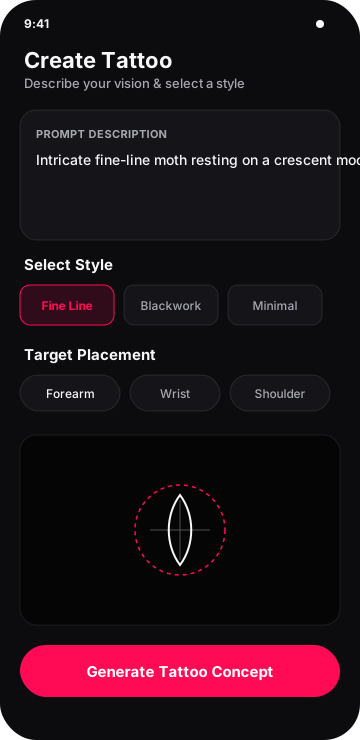
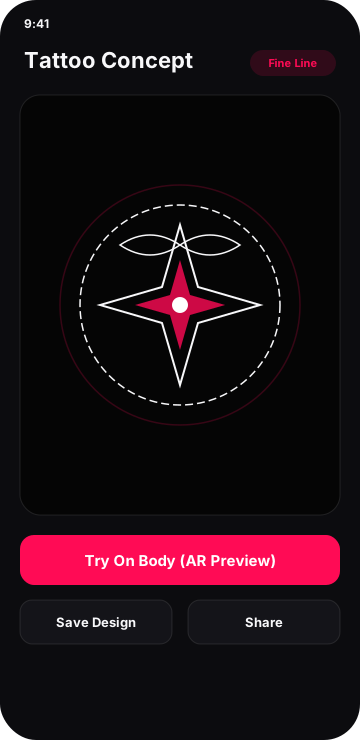
Describe symbols, moods, initials, composition, or meaning in everyday language.
Compare the released Fine Line, Minimal, Blackwork, Geometric, Traditional, Tribal, Japanese, and Realistic presets.
Use the camera or a selected photo, then position and blend the overlay yourself.
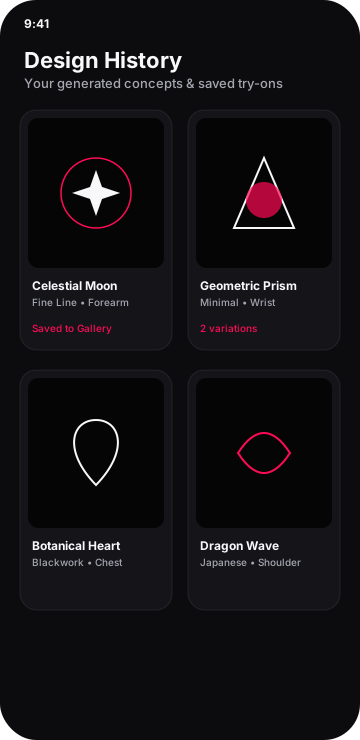
Revisit history, refine a prompt, recreate a result, or share a visual reference for discussion.
Five simple steps
Move from a loose thought to a visual reference you can refine and discuss.
Try “fine line rose with initials” or “geometric wolf with a broken moon halo.” More useful detail usually communicates intent better.
Select from the presets currently released in the app to guide the visual direction.
InkTry uses AI to interpret your description and selected options. Results can vary and are not guaranteed unique.
Choose live camera or a gallery photo, then move, resize, rotate, flip, and adjust opacity.
Keep useful results, revisit history, edit the prompt, recreate a direction, or share it for feedback.
AI tattoo generator
No drawing experience is required. Use natural language, guide the result with style and placement, save useful concepts, and refine the description when you want another direction.
Explore the AI tattoo generator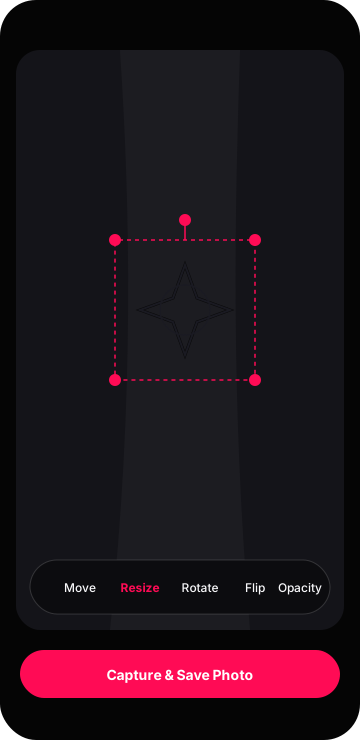
Camera & photo preview
Choose a live view or gallery photo, place the tattoo overlay, and adjust its position, size, angle, direction, and opacity. The preview helps compare a visual direction; it does not model skin anatomy or predict a final tattoo.
Released presets
Each guide explains what changes visually and how to write a more focused prompt.
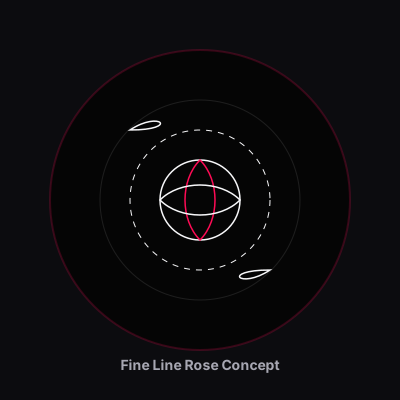 Fine LineFine line concepts use restrained marks, open space, and a clear silhouette to...
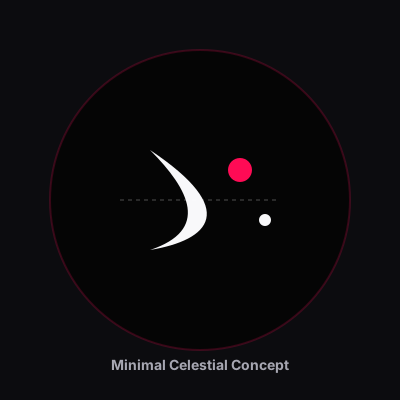
 MinimalistMinimalist tattoo concepts reduce a subject to the fewest marks needed to pres...
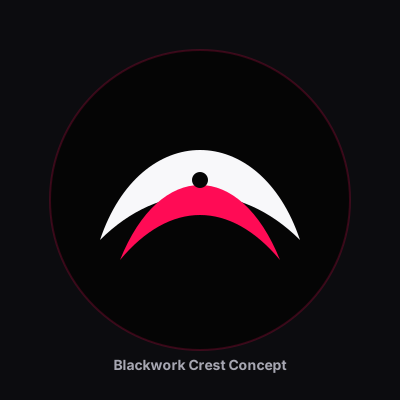
 BlackworkBlackwork concepts rely on confident dark shapes, intentional skin breaks, and...
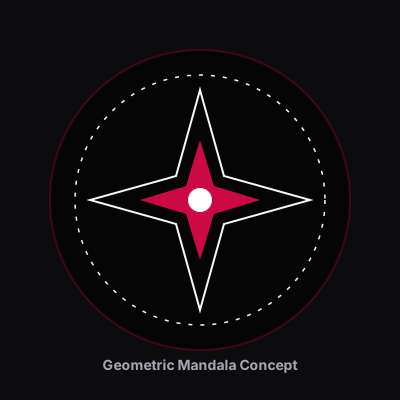
 GeometricGeometric concepts use repeated shapes, symmetry, and measured spacing to turn...
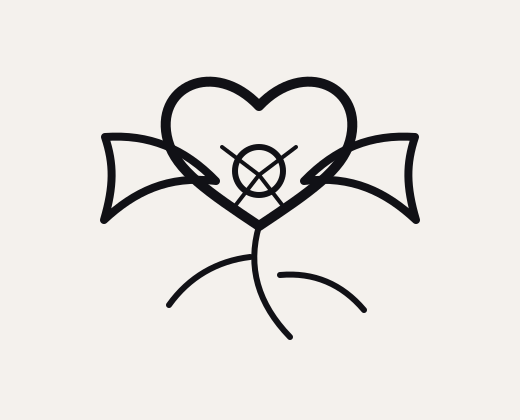 TraditionalTraditional-inspired concepts favour direct subjects, strong outlines, compact...
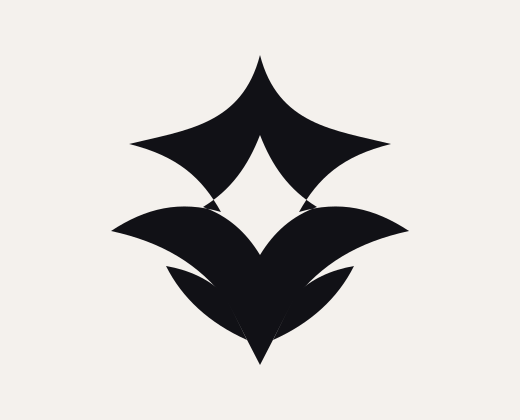 TribalTribal-style concepts use bold connected shapes and directional flow, but spec...
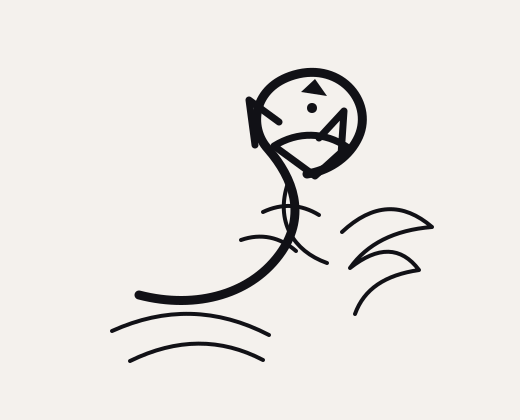 Japanese-InspiredJapanese-inspired compositions often connect a central subject with wind, wate...
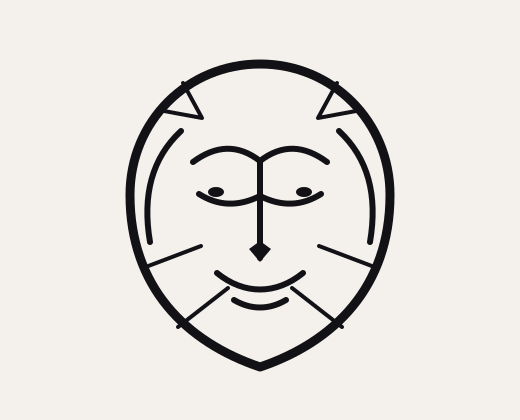 RealisticRealistic concepts build depth through value, texture, and a recognisable foca...
Idea inspiration
Move beyond a keyword by considering posture, emotion, supporting symbols, and composition.
Dragon concepts can feel protective, powerful, mysterious, or dynamic depending on posture, cultural reference, and supporting elements.
NatureA rose can communicate love, memory, growth, contrast, or resilience depending on its stage, angle, and companion symbols.
AnimalsWolf concepts can emphasise watchfulness, movement, wilderness, family, or solitude through expression and composition.
AnimalsLion concepts often centre on courage, guardianship, family, or calm authority, with expression setting the tone.
AnimalsA snake naturally creates curves that can frame another symbol or follow the length of a body area.
NatureButterfly concepts can range from quiet and delicate to graphic and surreal, while often expressing change, freedom, or remembrance.
Decision support
Compare ideas, styles, and placements; share a visual reference; and arrive at a consultation with clearer preferences.
Product tour
Illustrated interface previews based on the current app flow. Final release screenshots should replace these presentation assets when supplied.
Product confidence
Questions, answered
It is a creative tool that turns a written description into visual tattoo-style concepts. InkTry results are starting points for exploration, not guaranteed unique or tattoo-ready stencils.
Describe the subject and mood, choose a released style and placement preset, select a size, and generate. You can then compare results, edit the prompt, or recreate the direction.
Yes. Choose live camera or a gallery photo, then move, resize, rotate, flip, and adjust the overlay opacity.
The current released presets are Fine Line, Blackwork, Geometric, Japanese, Tribal, Minimal, Traditional, and Realistic. You can add more visual direction in your description.
The current placement presets are Forearm, Wrist, Shoulder, Back, Chest, and Ankle. Placement guides the concept but does not guarantee anatomical fit.
The app supports saving generated artwork and sharing available results. Your history lets you revisit previous generations.
Yes. Recreate a result or edit your description to change the subject, composition, style cues, or placement direction.
No. AI artwork can contain impractical detail, distorted text, or unsuitable line weight. Ask a professional tattoo artist to redraw and adapt it.
No. InkTry helps with exploration and communication. Artists provide anatomical judgement, durable design, technique, hygiene, and safe application.
Yes. InkTry is available through its Google Play listing for supported Android devices.
InkTry supports an anonymous app session and optional Google sign-in. Google sign-in can help associate supported history and purchases with an account.
Generations use the credit balance shown in the app. Credit purchases are processed through Google Play. Check the in-app screen for current products and terms.
Use the in-app data deletion option where available or follow the public Data Deletion page to contact support for an ownership-verified request.
No. They are flat visual simulations. Skin shape, movement, colour, healing, ageing, and artist technique will affect a real tattoo.
Available for Android
Describe it, explore different directions, and preview it before making a permanent decision.
Download InkTry on Google Play